 Crystal Laing
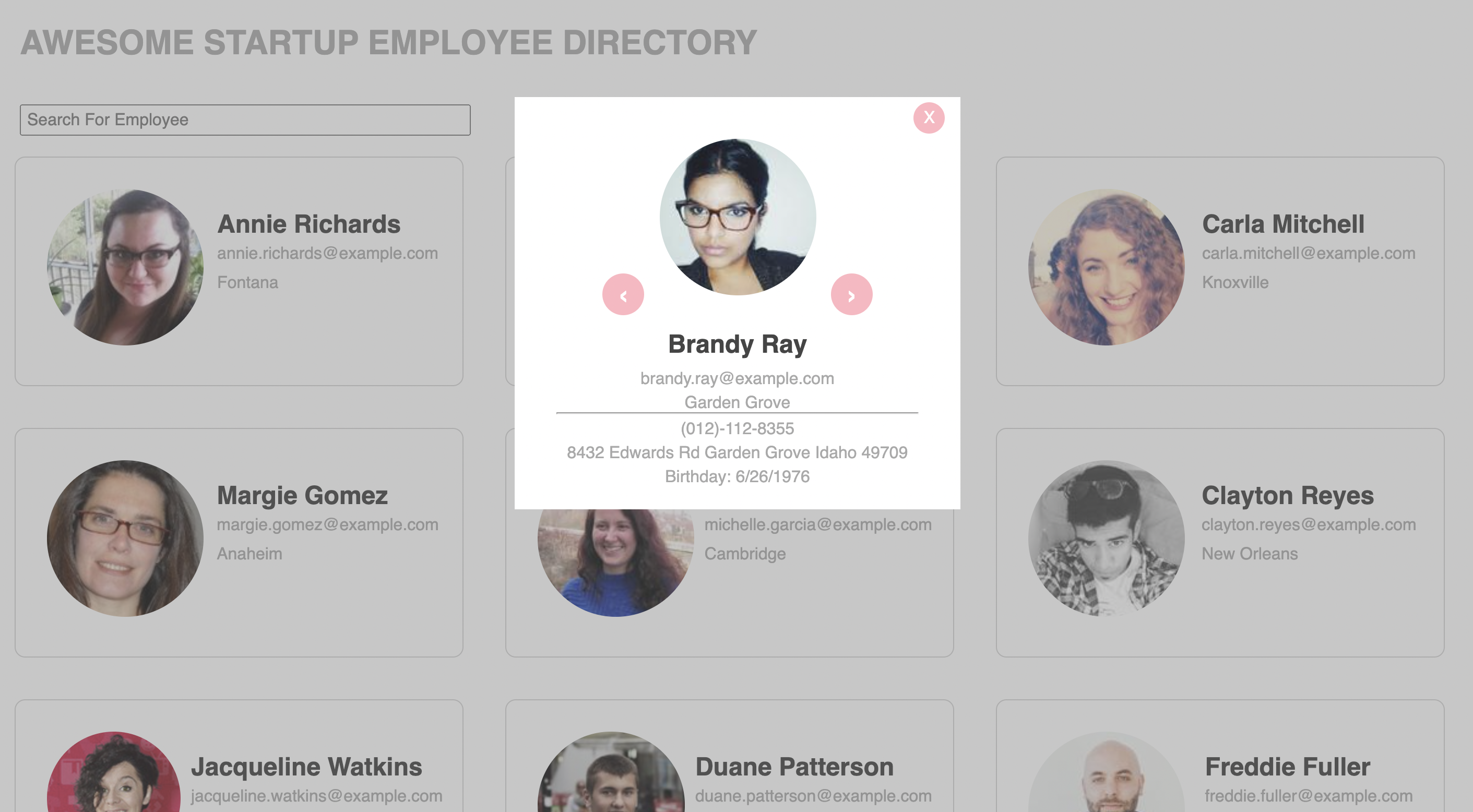
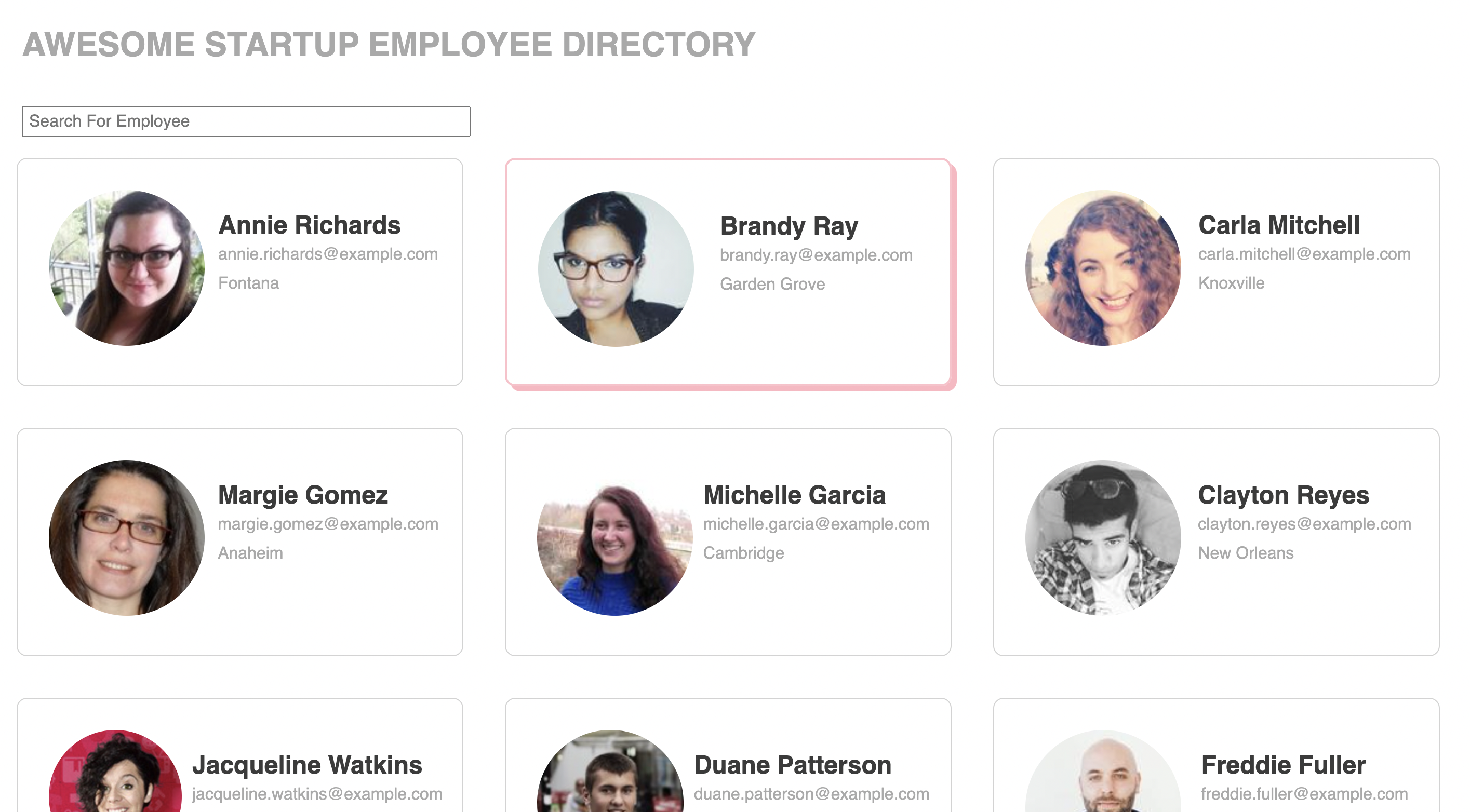
The purpose of the project was to create an employee directory based upon gathering information for 12 individuals and displaying them on a page. A JSON object was requested from the API, fetched, parsed, and then displayed in a grid so each employee had their own "card" with name, email, location, and image. In addition, clicking the employee's card opened up a modal window with further information like birthday and address. This project was heavy on JavaScript and was my first attempt at using an API.
I was given a link for an API to use called Random User Generator API and two mockup images for the desktop view and the modal view. There was a study guide available for assistance, but all the code was written by myself. JavaScript was the main focus but I also implemented Flexbox for the layout of the cards and the inside of the cards.
The modal window uses an event listener for the user to click the arrows to cycle through employees. I learned about event listeners in a previous project so using them here seemed like a good idea. The only issue I had was minor - clicking the "X" to close the window didn't close the window. I knew there was a display:hidden feature in CSS so I explored that in JavaScript and sure enough, found the same concept and was able to make it work.
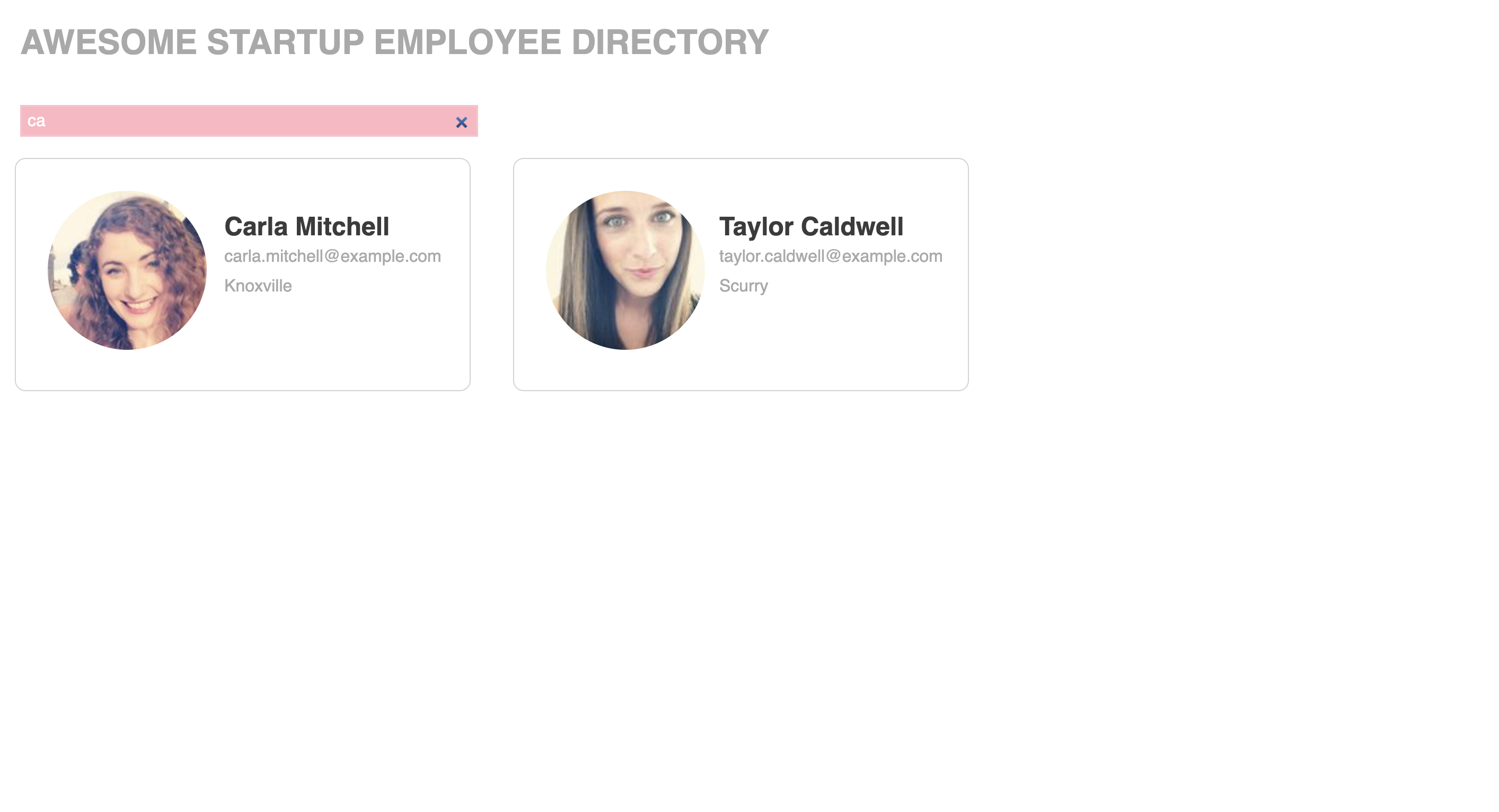
A previous project had a live search feature that I decided to use here as well. When you start typing letters in the search bar, it will update live and show matching results as you type. For example, if you had some employees with the names Steve, Stephan, and Stewart, then typing "ste" in the search bar will bring up all three names. I used the act of typing as the JavaScript event, then used that to loop through all the card entries on the page and display only the ones that match the criteria.
I learned how to use fetch requests and deal with the results by translating into JSON and then to something to actually display on the page. Functions were used to display the employee's data with a "for each" loop for name, email, city, and picture. I combined this with some HTML to be inserted into a div to display nicely on the page. The combination of fetch requests, parsing into JSON, looping through the data, and then displaying it dynamically was new to me. I found it straight-forward and didn't have any issues that I recall.
I felt this project was quite straight forward and was the quickest for me to complete. As it is meant to be primarily functional, that is what I focused on by having a neat grid with very little styling. Each employee's information is clearly stated and organized in a way that is easy to read. I added a drop-shadow to the card box when the user hovers the mouse over the card, and used that same card as the focus element in the search bar. The search bar dynamically searches as you type, so the cards get updated live as the search term becomes more specific.