 Crystal Laing
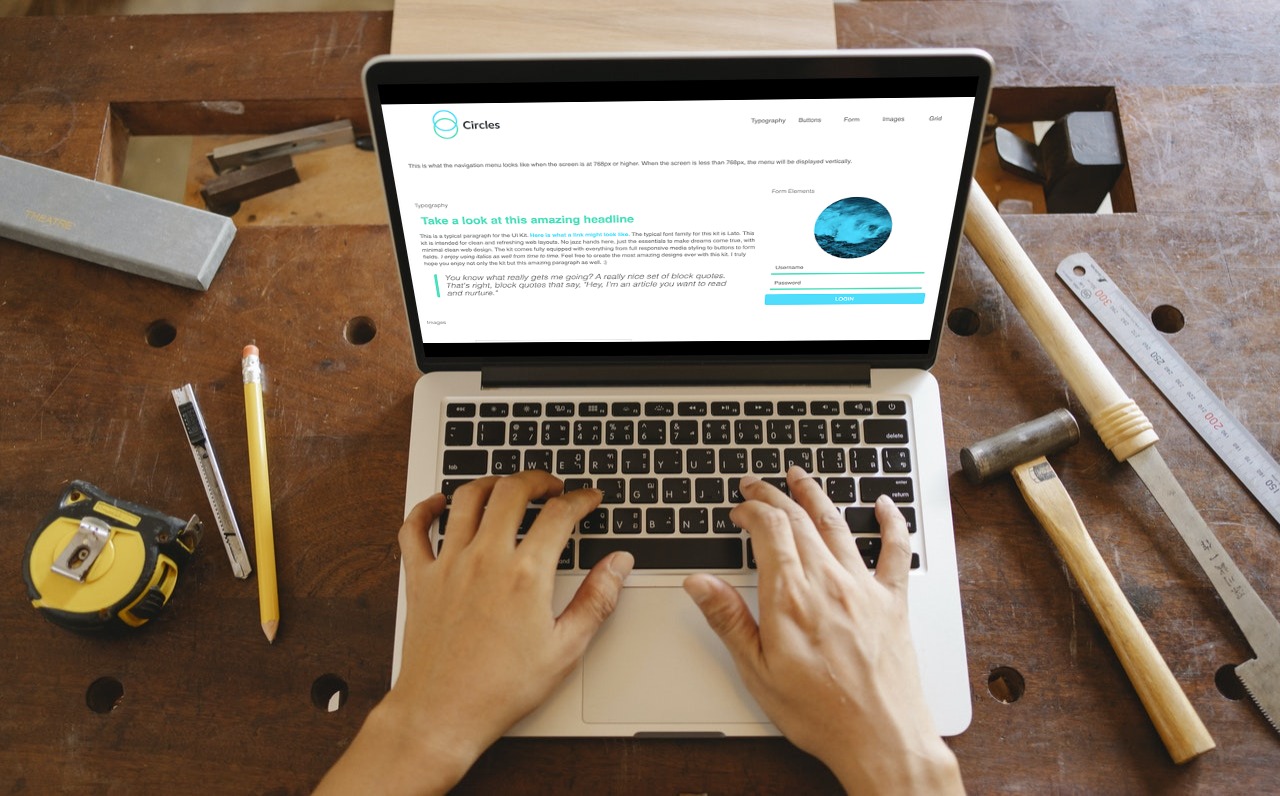
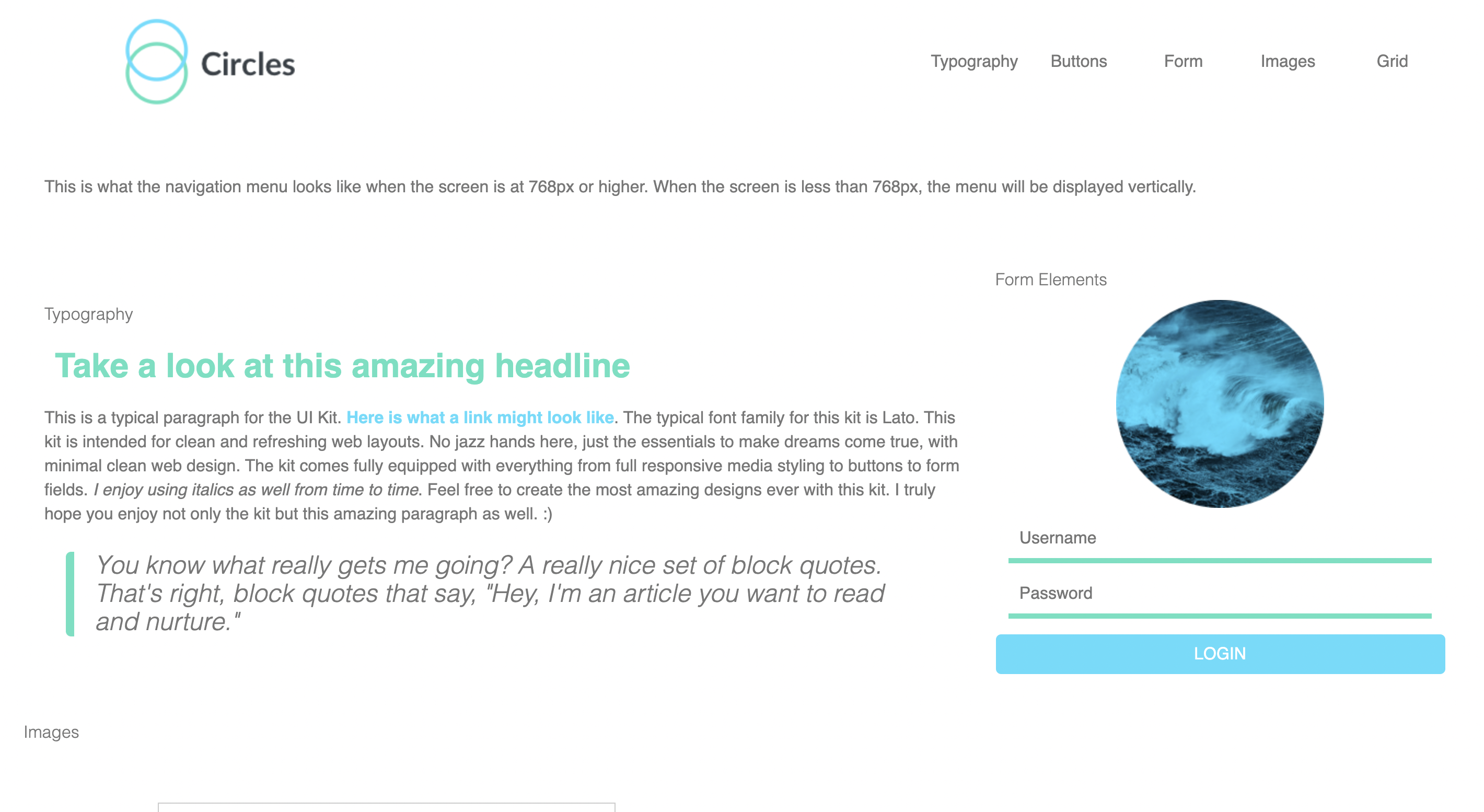
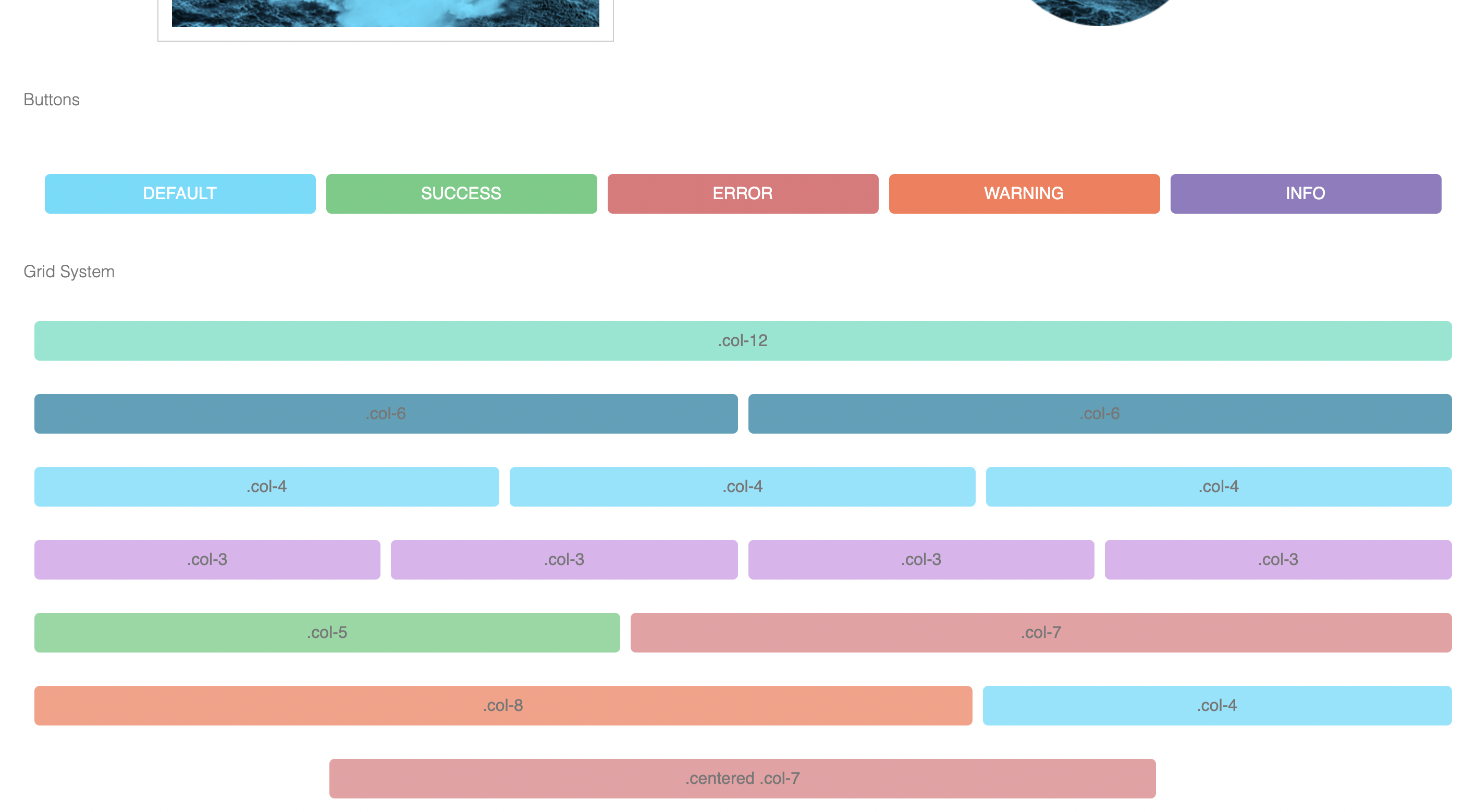
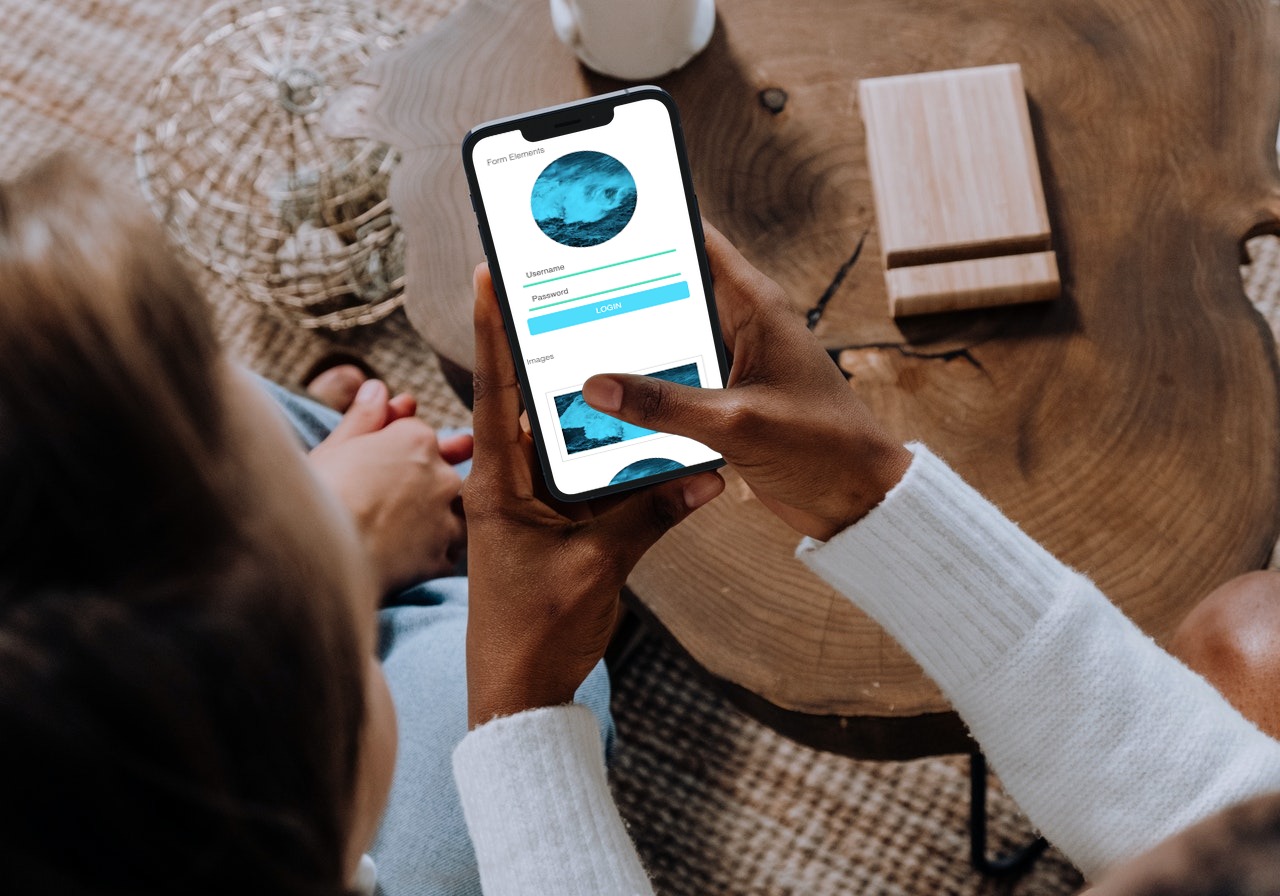
The purpose of the project was to recreate a website by programming it with Sass by using variables, partials, and mixins. Scout-App was used to convert SCSS into readable CSS files. The HTML was provided for me, so this was more of an introduction into using Sass to make the project look like the mockups that used straight CSS.
Since the whole point was to get used to working with Sass, the first thing I did was go over my notes and organized the project files in the suggested folders - base, components, and utilities. Base contained a browser normalize file, base styles, and typography. The components folder contained the bits and pieces of the layout such as the grid, forms, buttons, navigation, and media queries. Lastly, utilities contained the variables and mixins. I looked up a tutorial for Scout-App and looked at other people's SCSS files to get a feel for how the layout should look. After that, it was just a matter of writing a bit, running it through Scout-App, then checking to see if it worked. After I got the hang of it, I began experimenting a bit more with mixins and variables and the project was done in no time at all!
On the surface level, I learned how to use Sass with programs like Scout-App to convert SCSS to CSS. Digging deeper, I learned and used Sass variables, @includes, @imports, and mixins. It was another way to organize and build a website for my toolkit.
Overall, Sass is another tool to build websites that I appreciated learning. I liked how it is modular, organized, and can utilize convenient measures like variables and mixins. I can see this working well for a team, because everyone can edit their own files without compromising the work of someone else's, due to the modular approach. Although it takes a bit to set up and might not be much of a time saver for smaller projects, I can see the potential for larger projects and I am looking forward to using it again. The organized structure really stood out to me because I am a very organized person. I am the type that color codes her notes, makes headings, lists, and outlines. So for me, Sass seems like a great tool that suits my personal style.