 Crystal Laing
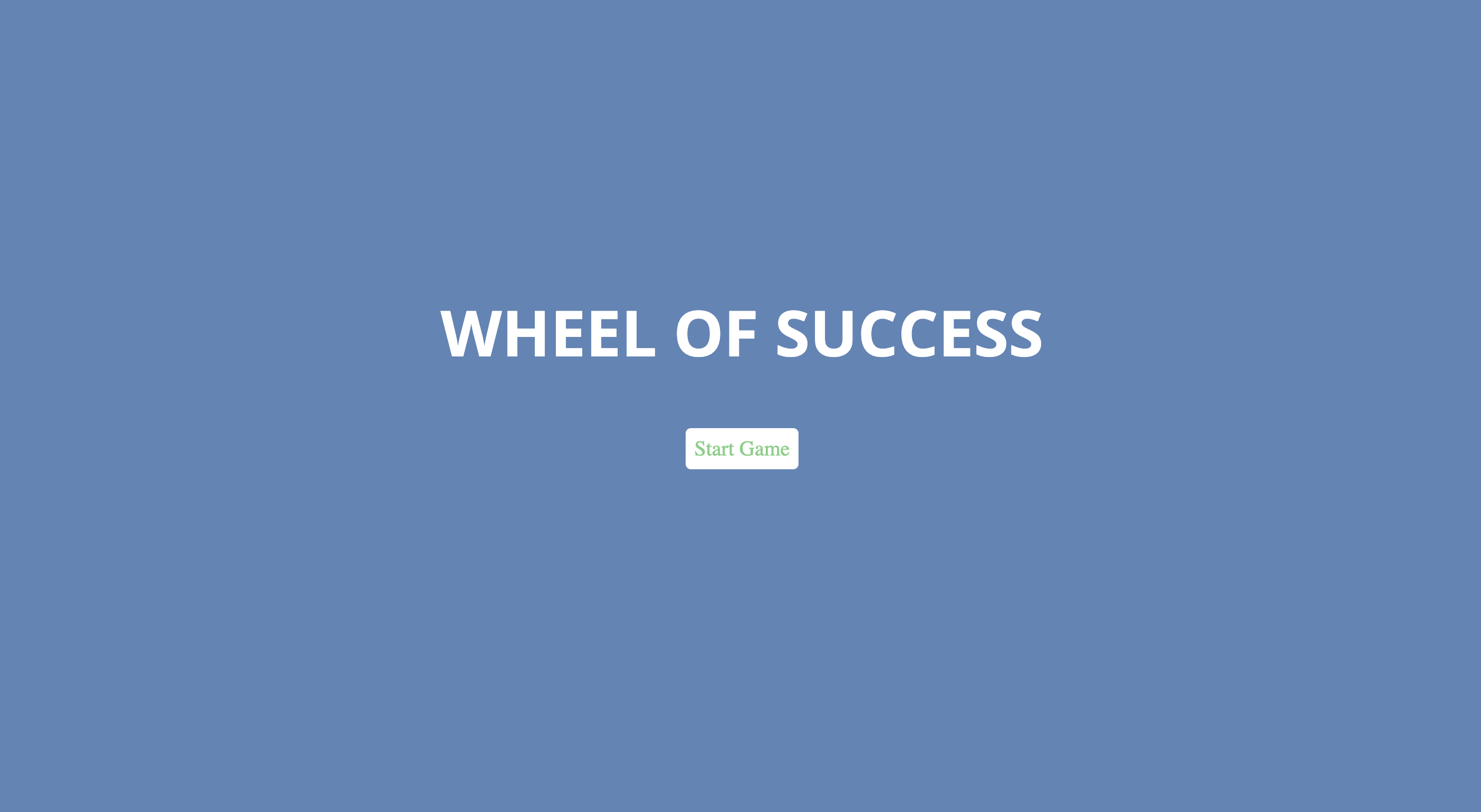
This is a word-guessing game built primarily with JavaScript. It is a mix between Wheel of Fortune and Hangman.
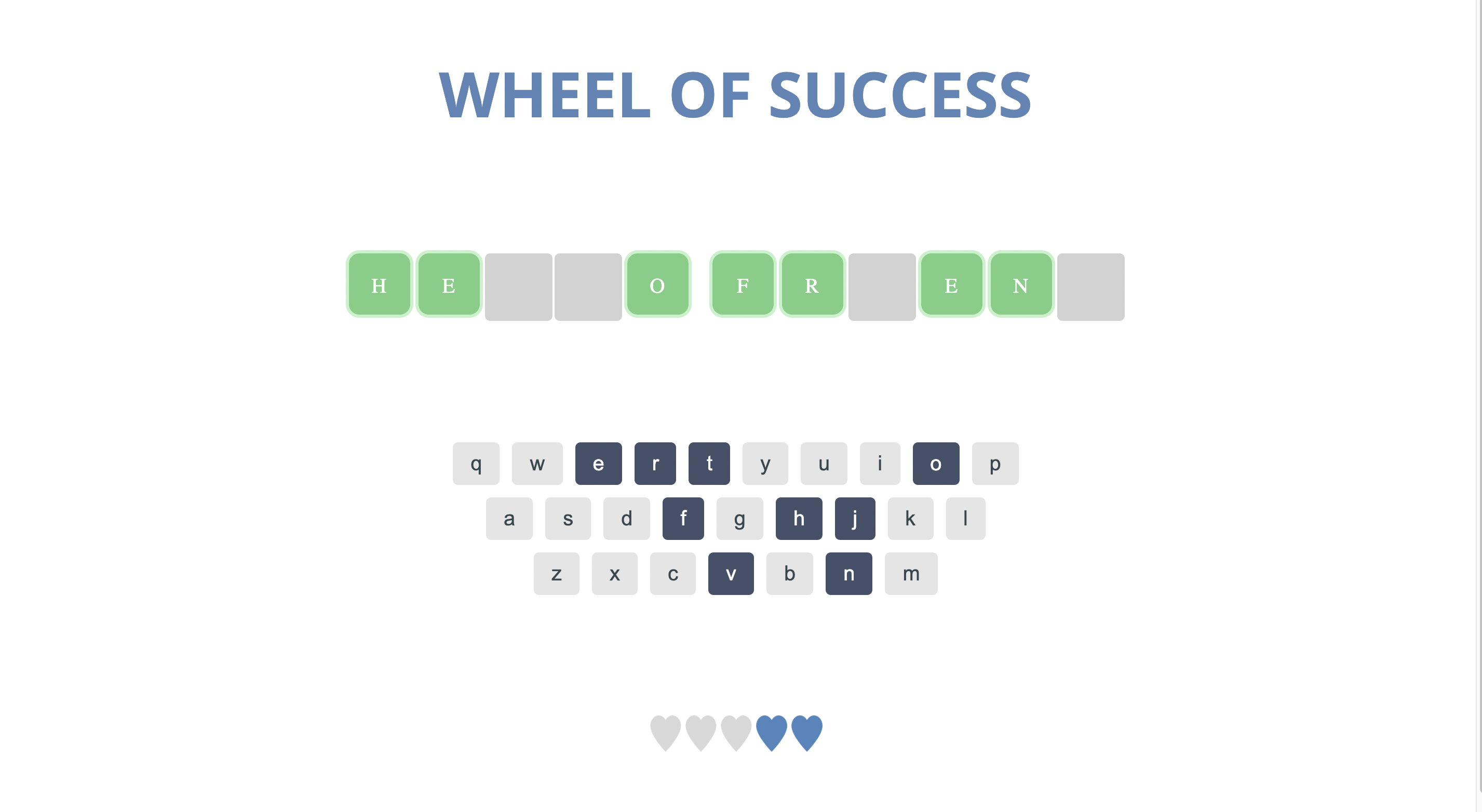
The goal of the game is to correctly guess the phrase on the screen before running out of lives. Each "life" is shown as a heart icon on screen. A correct guess will display the appropriate letter in the phrase, while an incorrect guess will result in the loss of a heart token. The game ends when the phrase is correctly guessed or the user runs out of heart tokens.
An on-screen keyboard allows the user to select a letter with their mouse. Correct letters appear in the phrase and the selected letter becomes disabled on the keyboard as to not repeat already guessed letters. Different overlays for a win or lose situation appear with the option to play again.
The point of the game is to guess a phrase, so I made up some phrases and put them into an array. I then created a function that randomly chose one of the phrases from that array list. Once chosen, I needed to display the phrase so I created another function just for that. This one used a "for loop" that took each character and turned it into a list item. Each item was changed to uppercase, so that it didn't matter how I originally wrote it in the phrase list. This was also so that it would match the input from the on screen keyboard. I had another conditional for nonletters (spaces) that added a "space" or "letter" class to the item.
The next part was communicating between the code and the onscreen keyboard. I needed a function that checked if the letter chosen from the onscreen keyboard matched any letters in the phrase. I used another "for loop" in this function that added a "show" class to the item if it matched. Of course, this also meant I needed an event listener for the keyboard itself, so that was the next task I completed. Once the letter was clicked, the "chosen" class got assigned and the letter could no longer be clicked (it was disabled). In this event listener, I included another conditional for the heart token/lives. If the letter was not in the phrase, then a heart token would be taken away. I created a variable called "missed" and incremented it for each instance of a missed letter. The last part of this segment was to call another function, checkWin(), to see if that last letter choice was enough to win the game.
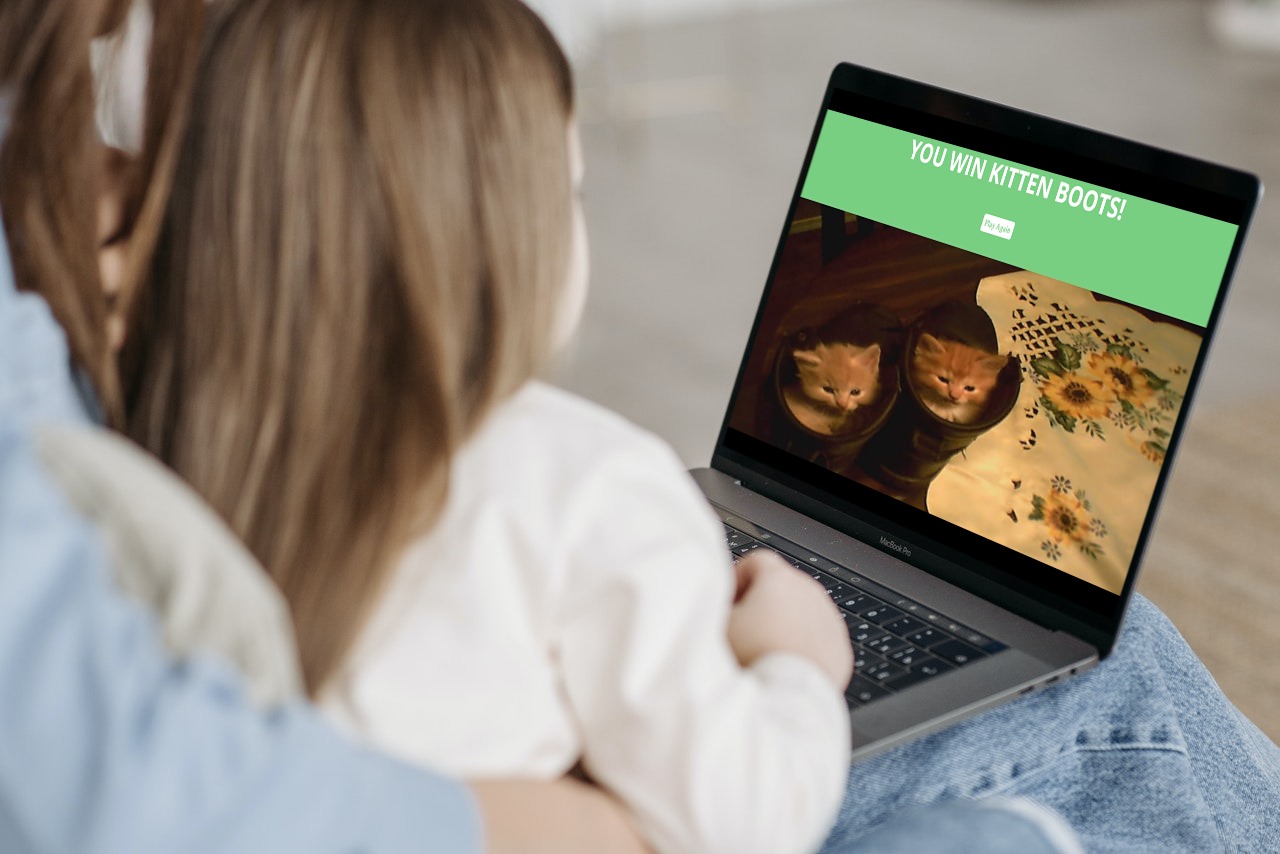
The checkWin() function used an "if/else" statement for a win or lose situation. The "win" situation meant a new overlay/screen would appear letting the user know they had won the game. I didn't like how boring it looked, so I added an old picture I took of some kittens in my dad's workboots. Since it was a fun, casual game I felt some kittens were appropriate to spruce it up a bit. There was also a "Play Again" button on the screen that refreshed the game to a new phrase and full heart tokens. The "lose" situation was a different overlay with a "Play Again" button and a red background.
This project was quite heavy on JavaScript. It allowed me to further my skills in manipulating arrays, loops, conditionals, functions, appending nodes, and event listeners. Aside from the obvious practice of using JavaScript more in general, the logical approach for how to solve the "problem" of making a game was a great learning experience. I had some guidance in figuring out what kinds of functions I needed to make, but actually making the functions and having them all connect together the way I wanted was a critical aspect of my understanding of JavaScript.
I felt like after this project, I am much more comfortable with event listeners, loops, and conditionals because of how much I used them. Prior to going into this, I was familiar with working with arrays so that was a strong point that stayed consistant throughout the project. I was able to practice appending nodes with the appendChild() built-in function. I used this with the phrase when checking if the character was a letter or a space. After the check, it was appended to a list in order to then be displayed on the screen. Understanding the DOM tree was a new concept that got put into action with this project. I used it again on the "win" overlay screen by appending a photo of some kittens to the overlay, so I feel more comfortable knowing when it is a good time to use this tool.
It was fun to try to make an interactive game. When I first expressed a serious interest in programming, the first thing I did was look up how to make a game. (You can read more about that here if you are interested. ) So when I saw that Treehouse was offering a game as one of the projects, I was quite intrigued!
I liked that I was able to enhance my JavaScript skills. Going into this project, I felt like my skills were a bit on the weaker side and could really benefit from some extra practice. I wanted to practice more with functions and conditionals and that is exactly what I got done. I feel more confident in that area after completing this project.
In the future, I would like to expand on this project. The title "Wheel of Success" is a bit misleading, as there is no wheel involved. I think with what I know with CSS and JavaScript, I might be able to create a spinning wheel with letters or symbols and have that link to a phrase or match another component. This project is inspiring for me to continue to learn in a new direction.